> ## Documentation Index
> Fetch the complete documentation index at: https://docs.loadforge.com/llms.txt
> Use this file to discover all available pages before exploring further.
# Quickstart - Run Your First Load Test in 5 Minutes
> Get started with LoadForge load testing in under 5 minutes. Verify your host, create a test script, and analyze performance results.
Conducting your initial load test with LoadForge is both quick and straightforward. The default test setup is often sufficient for many users aiming to understand their website's scalability and pinpoint the first areas of failure.
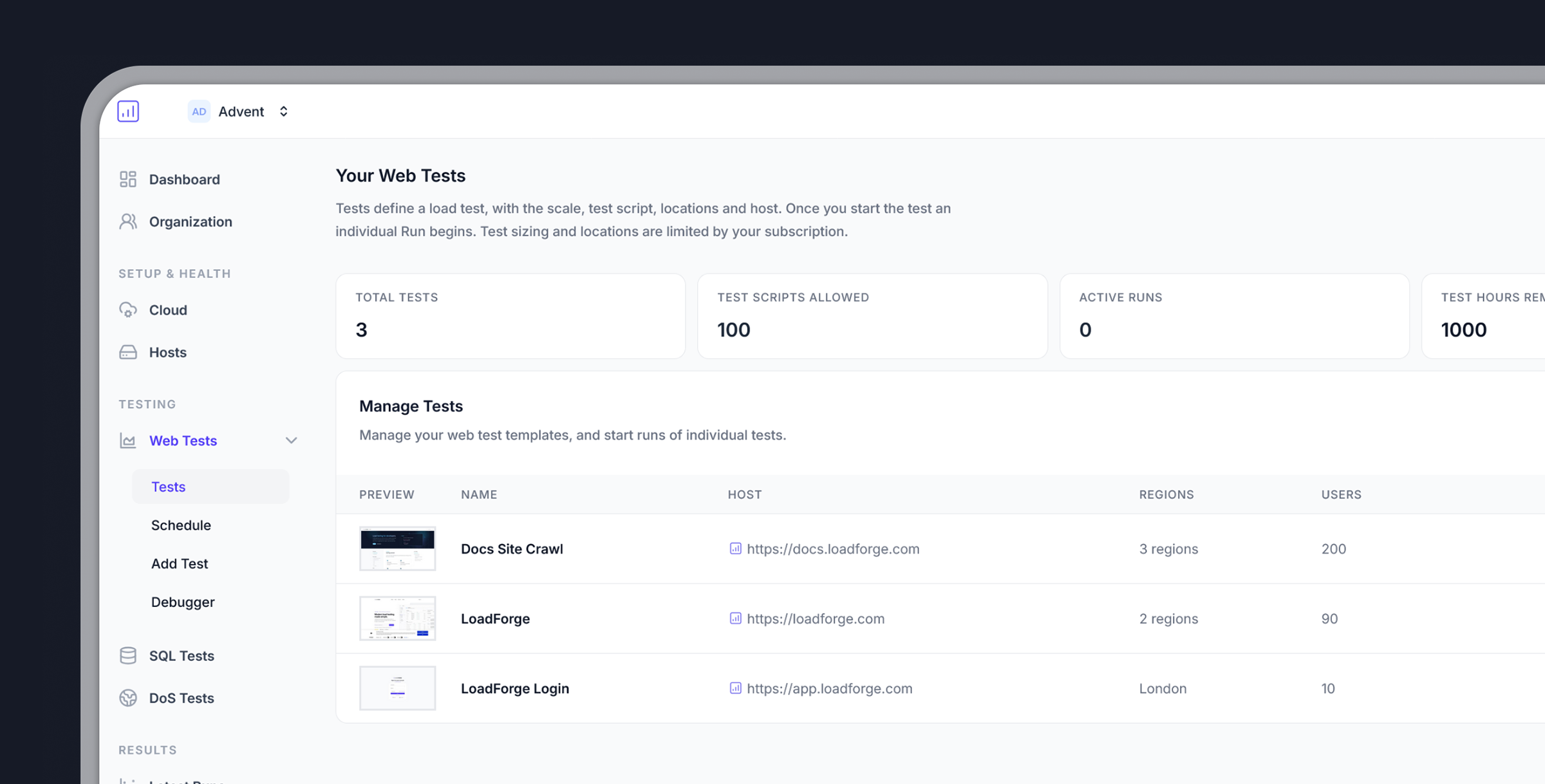 ## Getting Started in 3 Simple Steps
To ensure responsible use of LoadForge and prevent potential misuse like DoS attacks, you must verify website ownership:
1. **Add Your Host**: Input your website's URL
2. **Choose a Verification Method**:
* DNS verification
* Meta tag insertion
* File upload
By verifying a primary domain (e.g., `loadforge.com`), all sub-domains like `dev.loadforge.com` or `staging.test.loadforge.com` are automatically verified.
Facing verification issues? Contact our support team for manual verification assistance.
Once your host is verified, you're ready to create a load test:
* **Select Your Test File**: For beginners, use the default test file
* **Determine User Count**: Start with 100 virtual users
* **Choose Test Location**: Select a server location close to your target audience
### Default Test Script
```python theme={null}
from locust import HttpUser, task, between
class QuickstartUser(HttpUser):
# Simulate a wait between 7 to 15 seconds between user requests
wait_time = between(7, 15)
@task(1)
def index_page(self):
# Request the main page of your website
self.client.get("/")
```
#### Need More Advanced Testing?
* Browse test examples in our documentation
* [Record your browser activities](record-your-browser) using the `.har` format
* Use our test creation wizard for guided setup
Execute your test and analyze the results:
* **Start the Test**: Click the `Run` button next to your test
* **Set Test Duration**: For first tests, keep it brief (5 minutes)
* **Monitor Real-time**: Watch performance metrics as they happen
Unless there's a critical issue with your application, let tests run to completion for thorough performance reports. Incomplete tests may lack crucial data.
After completion, you'll receive a comprehensive report with performance graphs showing how your website responded to the simulated traffic.
## What's Next?
After your first test completes, explore these resources:
Learn how to interpret your test results and identify optimization opportunities
Create custom test scenarios to simulate real-world user behavior
Sign up for free and start load testing your application today.
## Getting Started in 3 Simple Steps
To ensure responsible use of LoadForge and prevent potential misuse like DoS attacks, you must verify website ownership:
1. **Add Your Host**: Input your website's URL
2. **Choose a Verification Method**:
* DNS verification
* Meta tag insertion
* File upload
By verifying a primary domain (e.g., `loadforge.com`), all sub-domains like `dev.loadforge.com` or `staging.test.loadforge.com` are automatically verified.
Facing verification issues? Contact our support team for manual verification assistance.
Once your host is verified, you're ready to create a load test:
* **Select Your Test File**: For beginners, use the default test file
* **Determine User Count**: Start with 100 virtual users
* **Choose Test Location**: Select a server location close to your target audience
### Default Test Script
```python theme={null}
from locust import HttpUser, task, between
class QuickstartUser(HttpUser):
# Simulate a wait between 7 to 15 seconds between user requests
wait_time = between(7, 15)
@task(1)
def index_page(self):
# Request the main page of your website
self.client.get("/")
```
#### Need More Advanced Testing?
* Browse test examples in our documentation
* [Record your browser activities](record-your-browser) using the `.har` format
* Use our test creation wizard for guided setup
Execute your test and analyze the results:
* **Start the Test**: Click the `Run` button next to your test
* **Set Test Duration**: For first tests, keep it brief (5 minutes)
* **Monitor Real-time**: Watch performance metrics as they happen
Unless there's a critical issue with your application, let tests run to completion for thorough performance reports. Incomplete tests may lack crucial data.
After completion, you'll receive a comprehensive report with performance graphs showing how your website responded to the simulated traffic.
## What's Next?
After your first test completes, explore these resources:
Learn how to interpret your test results and identify optimization opportunities
Create custom test scenarios to simulate real-world user behavior
Sign up for free and start load testing your application today.