

- Health checks to ensure uptime and availability.
- Performance tracking to measure response times and bottlenecks.
- User experience analysis to assess real-world usage.
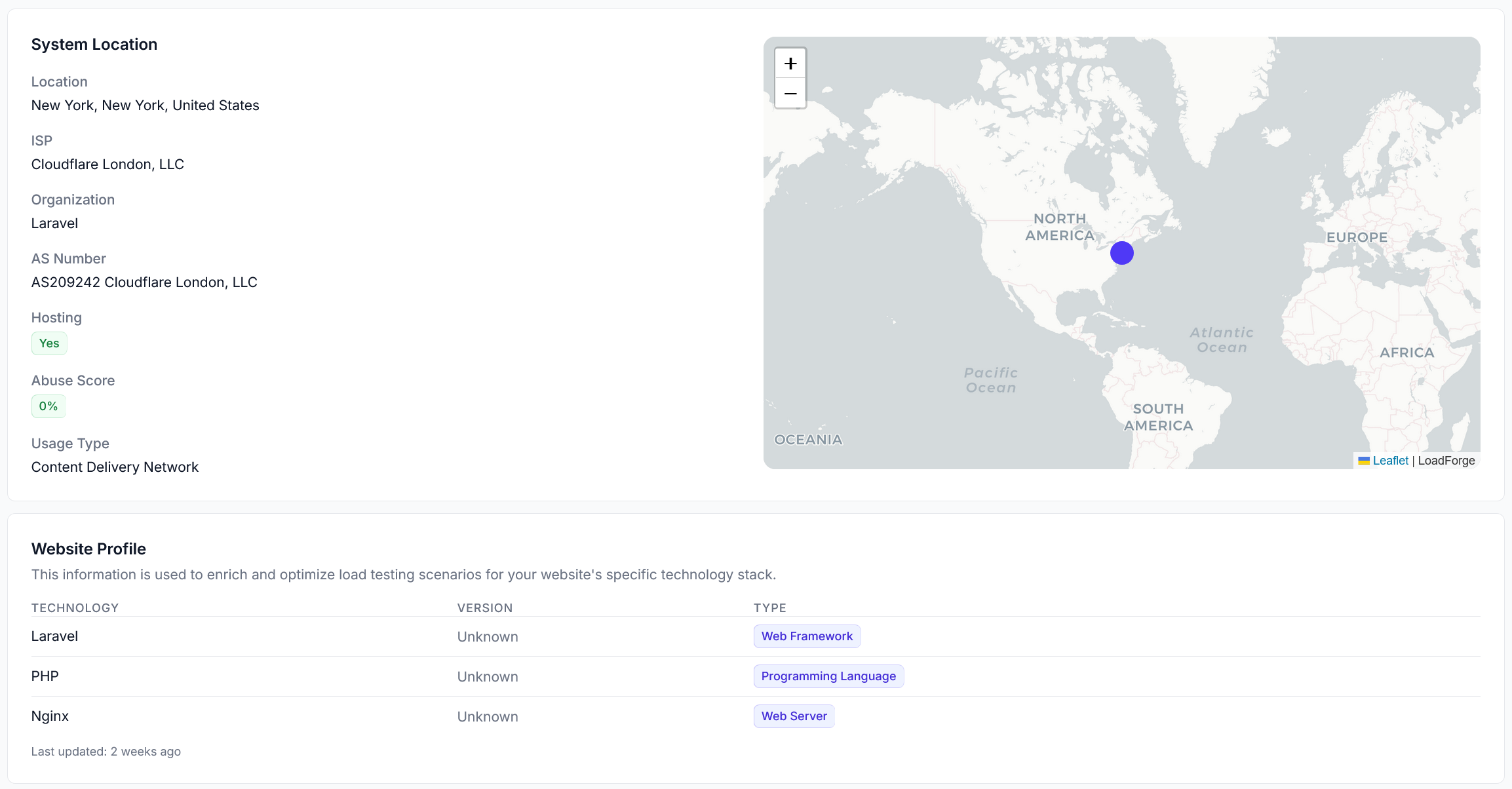
Host Overview - Technology Detection
Benefits of Verifying a Host
When you verify a host, you unlock powerful monitoring and insights, including:- Automated performance tracking: Continuous health checks every 5 minutes.
- Real-time alerts: Notifications via email, Slack, or Zapier for downtime or performance issues.
- CrUX (Chrome User Experience) Data: Real-world user experience metrics from Chrome browsers.
- Historical analysis: Track trends over time and compare performance before and after optimizations.
Next Steps
To get started, add your host in LoadForge and complete the verification process using one of the available methods:- Meta Tag: Insert a verification tag in your website’s HTML.
- File Upload: Place a verification file in your web directory.
- DNS TXT Record: Add a DNS entry for domain-level validation.
Verifying a Host
Learn how to verify your host quickly and easily.
User Experience
Learn how to track real user experience with Hosts.